mimicode
Code in a file, not a textbox.
Open code.mimi in your editor, write a question, save. The answer lands below a divider
in the same file. No chat window. No tab switching. Still beta.
your editor is the UI
watch · REPL · TUI · one-shot
no Python, no Node, no runtime
shadow-git, never touches
.gitmimicode is not a pair programmer. It does not pick architectures, debate tradeoffs, or volunteer opinions. It is a tool in the Unix sense: a rubber duck that can search your repo, run commands, and make mechanical edits when you ask.
mimi diffs every save against the last snapshot, so only new text becomes input. Its own answers are never
replayed as prompts. Memory lives in flat markdown; every tool call lands in
~/.mimi/sessions/<id>/events.jsonl.
Watch mode
mimicode watch: write in code.mimi, save, read the answer in-file.
Shadow-git undo
:undo in REPL reverts turns. Your real .git is never touched.
Confirm mode
--confirm gates bash, write, and edit. Read-only tools never prompt.
Stuck recovery
Repeats and error loops stop with a diagnosis. No silent retries.
FTS memory
Search .mimi/MEMORY.md, rules, and past sessions on disk.
Terminal UI
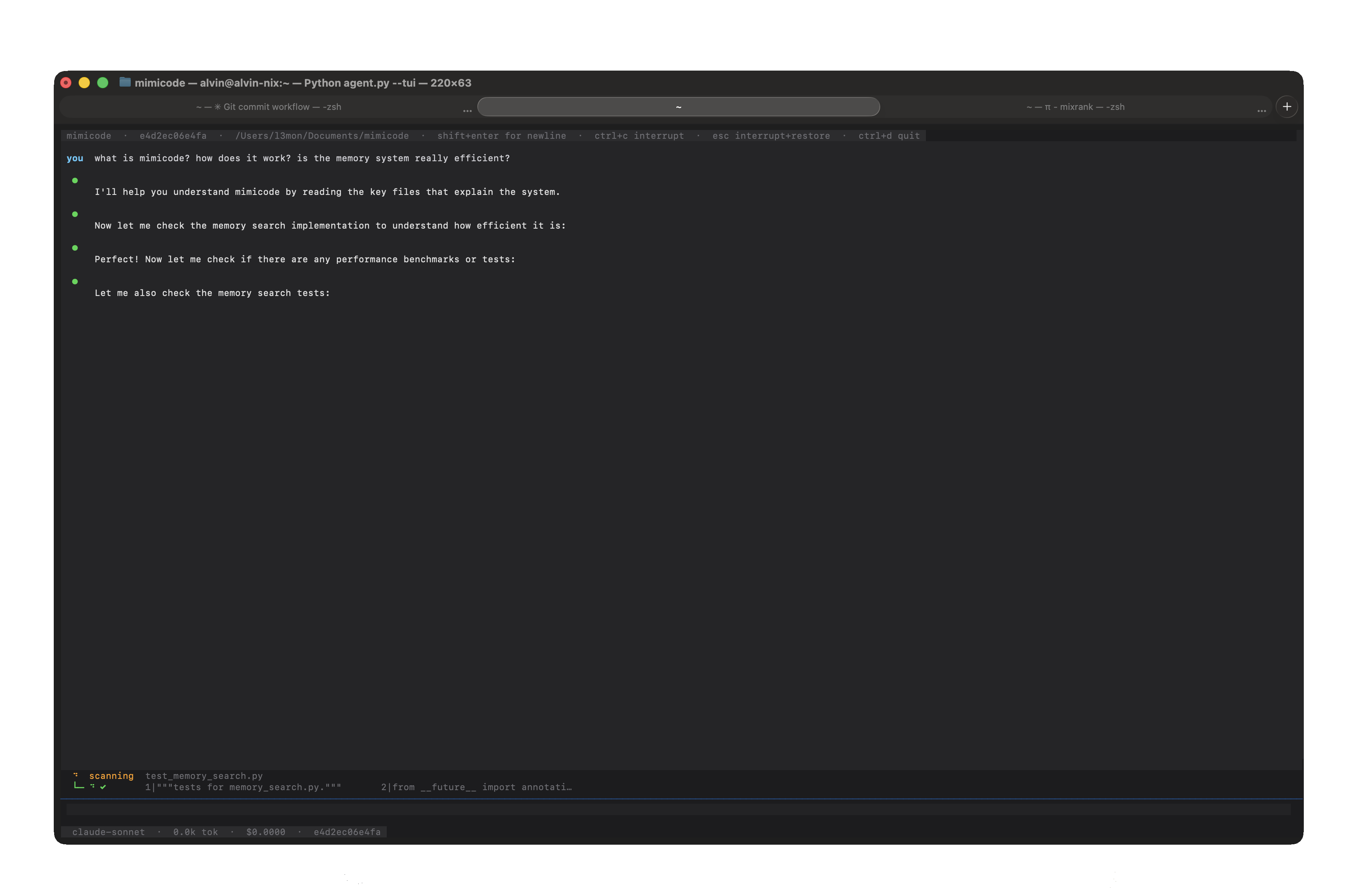
mimicode --tui: rich output, session history, and keyboard navigation built with Bubbletea.